
Using your phone as a controller
The phone is the whole input system for this game. Here is how to make it reliable.
Just Dance: Decades of Hits is played with the free Just Dance Controller app on a smartphone. The phone must be on the same Wi-Fi network as the console; the game shows a pairing code and the app enters it. No camera, mat or console accessory is required, and one phone is needed per dancer — up to six.
There is no camera peripheral in Decades of Hits, no dance mat and no console-specific controller. The phone is the input device for every dancer on every platform, which makes it the single most important thing to get right.
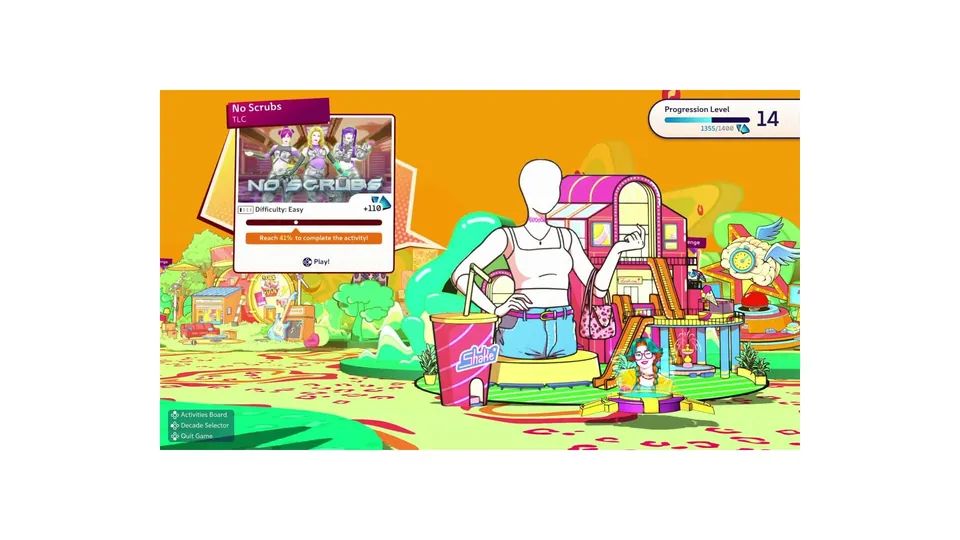
Official Ubisoft in-game screenshot.
Pairing, in order
- Start a routine on the console and choose the phone-controller option for a player slot.
- The television shows a pairing code.
- Open the Just Dance Controller app and enter the code — or scan it, if the app offers a scanner on your platform.
- The slot fills and the phone becomes a scoring pad.
- Repeat for each dancer. Each phone pairs to its own slot; a phone cannot hold two.
The five failures behind almost every report
| Symptom | Cause | Fix |
|---|---|---|
| App cannot find the console | Phone on a different network or on cellular | Put the phone on the same Wi-Fi SSID as the console |
| Code rejected | Code expired while you were typing | Back out to player select and take a fresh code |
| Players drop mid-routine | Access point client isolation, or a weak signal | Move closer; check the router is not isolating wireless clients |
| Pairing works, scores feel random | Phone is stationary, face-down, or propped facing away | Stand the phone up, screen toward the room, chest height |
| Only some phones pair | Router handing out addresses on two subnets | Give all phones the same band, or use a single SSID |
Client isolation is the sneaky one. Many routers ship with a guest network that deliberately blocks devices from talking to each other — the phone sees the internet but never sees the console. If pairing fails on Wi-Fi that "works fine", that is the first thing to check.
Latency and how to reduce it
The app measures movement and sends it to the console, so every millisecond between the two shows up as a late or early grade. Three things help more than anything else:
- Turn on your television's game mode. Most sets process the picture heavily by default, and that delay lands between what you see and what you do.
- Keep the phone stationary. A phone held in one hand, or wobbling on a cushion, produces movement data the game did not ask for.
- Get on the 5 GHz band if your router splits bands. Less congestion in a house full of devices means fewer dropped packets.
Battery and heat
Scoring uses the screen, the accelerometer and the network at once, which drains a phone noticeably faster than video playback. For a long evening, plan for one charger per two dancers, or rotate which phone is in play. A phone that gets hot will also throttle, and a throttled phone is a phone that drops inputs.
What you do not need
- No camera accessory. There is no Kinect-style hardware in this game.
- No dance mat. Mat support is not part of the control scheme.
- No additional purchase. The Controller app is free on both major phone platforms.
If the app itself will not install or crashes on launch, that sits outside the game and belongs with the app store listing — see the troubleshooting guide for what is worth trying first.