One library across 2023–2026 and this game
The feature that turns an annual purchase into a shelf: everything you own, in one song list.
If you own Just Dance: Decades of Hits alongside Just Dance 2023, 2024, 2025 or 2026 Edition on the same console and account, all of those games' songs become available in one library, including purchased Music Packs and any songs available through an active Just Dance+ subscription.
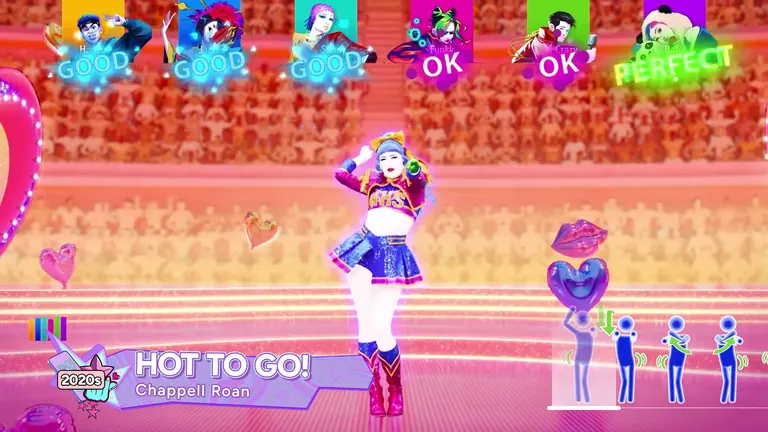
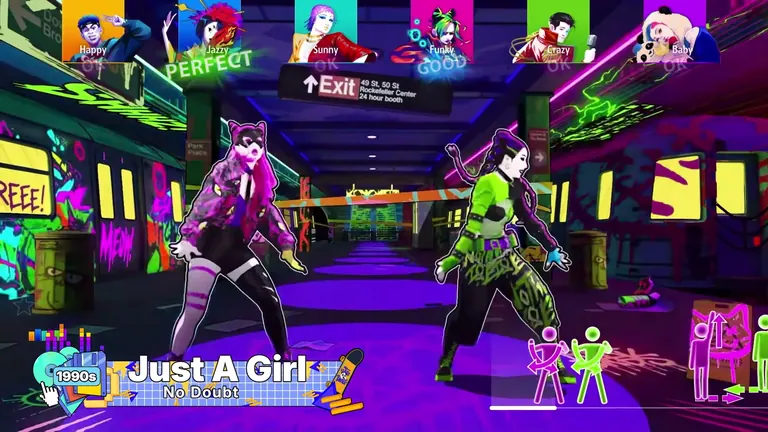
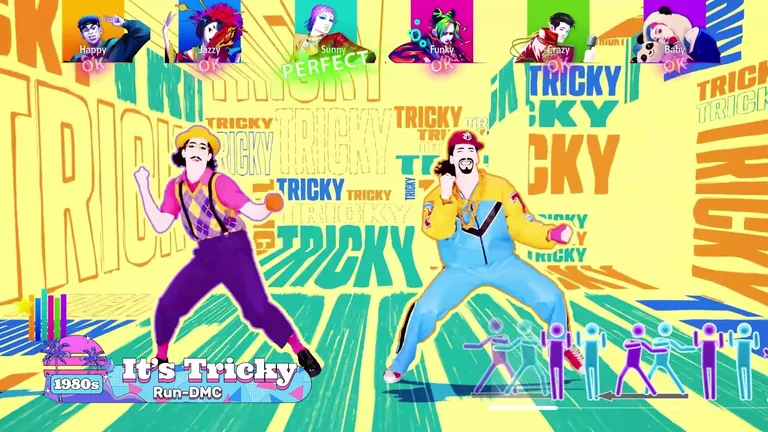
The headline feature nobody puts in the trailer: Decades of Hits does not lock its library to its own 35 songs. If your console already has the recent editions on it, their music joins the same list.
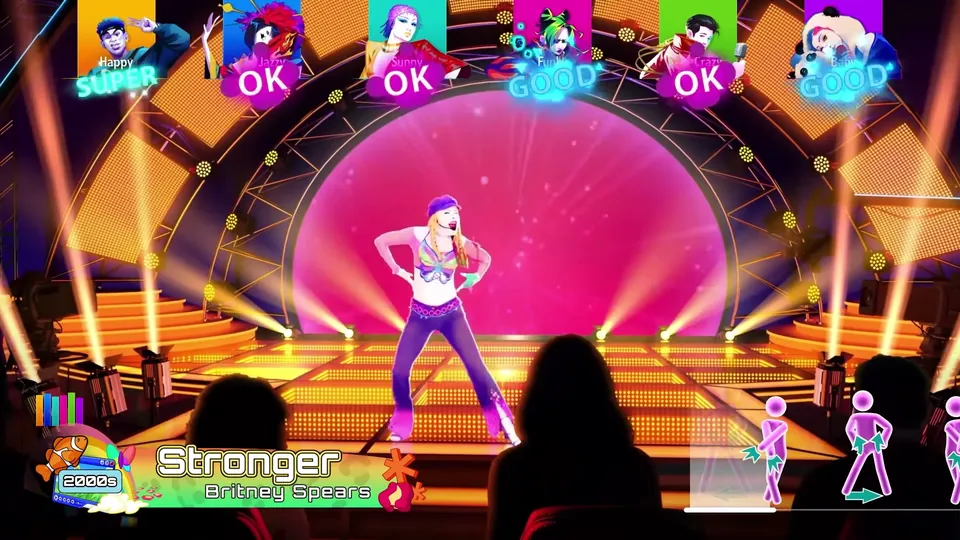
Official Ubisoft in-game screenshot.
What merges
| Source | Merges in? | Conditions |
|---|---|---|
| Decades of Hits' 35 shipped tracks | Always | None — they are the game |
| Just Dance 2023–2026 Edition songs | Yes | Same console and account, editions installed |
| Purchased Music Packs | Yes | Bought on the account, or shared to it by the console's setup |
| Just Dance+ catalogue | Yes, while subscribed | Active subscription and a live internet connection |
| Trial tokens and bonus Ultimate songs | Partially | As granted — trials are single-use |
The practical result is that a household which has bought the annual game for four years ends up with a song list several times larger than 35, and the decade framing of Decades of Hits becomes a way to navigate it rather than a limitation on it.
Why the merge sometimes fails
Three causes, in order of how often they turn up:
Account mismatch. A pack bought on one profile is only visible to another if the console is configured to share that profile's content. Consoles handle this differently, and it is the single most common reason a song "disappeared".
Edition not installed. A merged library draws from editions that are present. If Just Dance 2025 Edition was deleted to free space, its songs are not going to appear in another game's list.
An unfinished sync. A fresh install usually needs to be opened once with a connection before the full library appears. If the count looks wrong immediately after installing, give it a launch and a minute.
What the merge does not do
It does not transfer progression, Dancer Cards or cosmetics between editions. Your card belongs to the game and platform it was built in. It also does not unlock songs you never owned — a pack you skipped is still a pack you skipped.
And it does not make the subscription permanent. Just Dance+ content folds in while the subscription is active and leaves when it ends, which is the key difference between it and a purchased pack. The Just Dance+ page and the Music Packs page cover that split in detail.
Making the merge work in practice
- Install the older editions you own, at least once. The library draws from what is present.
- Check which account owns what. If the household uses multiple profiles, decide which one is the library owner and be consistent.
- Open the game once with a connection after any install or account change.
- Audit against your purchase history. If a specific track is missing, check whether it came from a pack or a subscription — the two fail in different ways.
Why this matters for buying decisions
The merge changes what you should buy. If you already own the recent editions and an active subscription, the marginal value of Decades of Hits is the 35 new tracks, Adventure Mode and the six-player local support — the library question is already solved. If you own none of them, this game is your starting point and the pack/subscription decisions are all still ahead of you. The editions and buying guide lists what each version bundles.