Installing Decades of Hits, and why it can seem missing
The launch-week support question: updated the game, and no new songs appeared.
Just Dance: Decades of Hits is a separate purchase that installs as its own entry rather than arriving as a free patch to Just Dance 2026 Edition. If it does not appear after purchase, check the console's download queue, confirm the correct account owns it, and make sure the pack has finished installing before launching.
Within days of launch, one question dominated the community boards: the game had been bought and installed, the console said it was up to date, and yet the new songs were not there. This page is the fix.
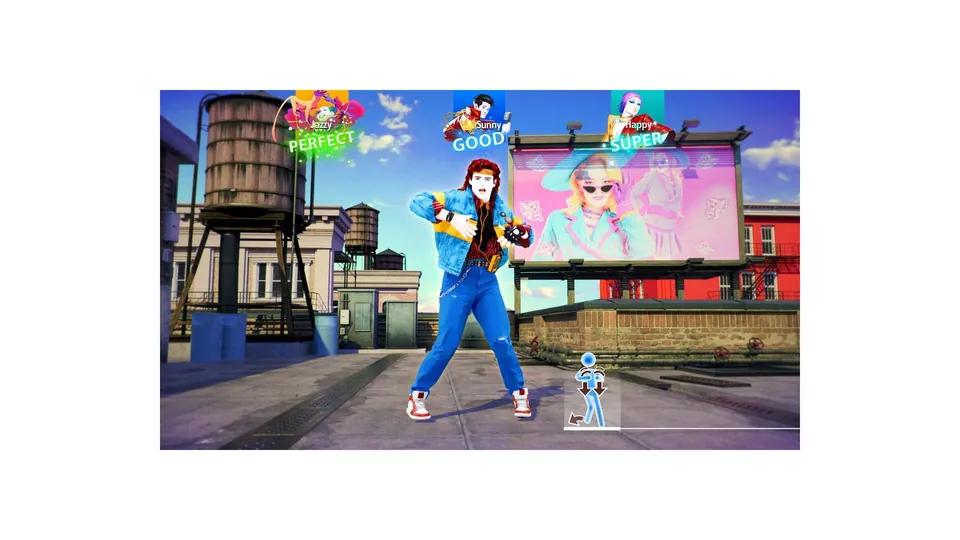
Official Ubisoft in-game screenshot.
Why it happens
Decades of Hits is not a free content update to Just Dance 2026 Edition. It is its own product — the eighteenth mainline entry — and on a console it installs as its own library entry. If you were expecting a patch, you were expecting the wrong shape of thing.
That matters because three separate mistakes look identical from the couch:
- The purchase has not downloaded yet. The store shows the game as owned, but the console's download queue is still working or paused.
- The wrong account owns it. A purchase made on one profile is not always usable by another, depending on how the console is set up for shared play.
- The game was launched from the old entry. If you own Just Dance 2026 Edition too, both entries now sit in the library and it is easy to open the one you had pinned.
The fix, in order
- Open the console's download queue and confirm Decades of Hits is installed rather than queued or paused. Partial installs are the most common cause.
- Check the account. Open the store page for the game on the console and see whether it offers you "Download" or "Buy". If it offers "Buy", that profile does not own it.
- Confirm which entry you launched. The game's own title screen names the game; make sure it says Decades of Hits and not 2026 Edition.
- Look for Adventure Mode in the main menu. It is the feature that exists only in this entry, so it is the fastest way to confirm you are in the right game.
- Only then consider a reinstall. It is the slowest fix and rarely the actual answer.
What the game looks like once it is properly installed
- The main menu offers Adventure Mode, which no previous edition has.
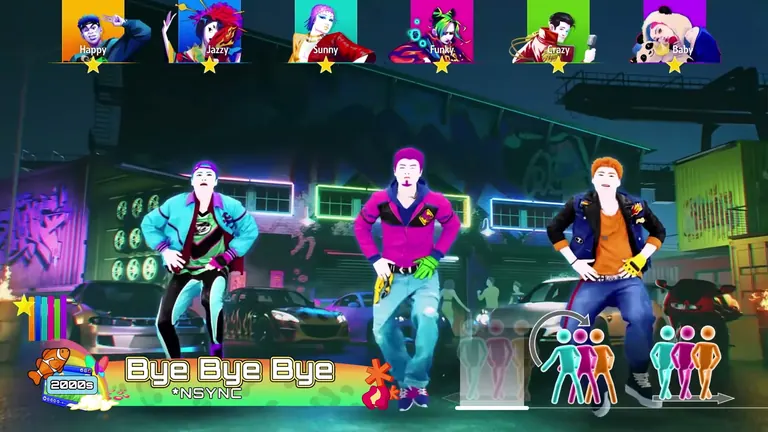
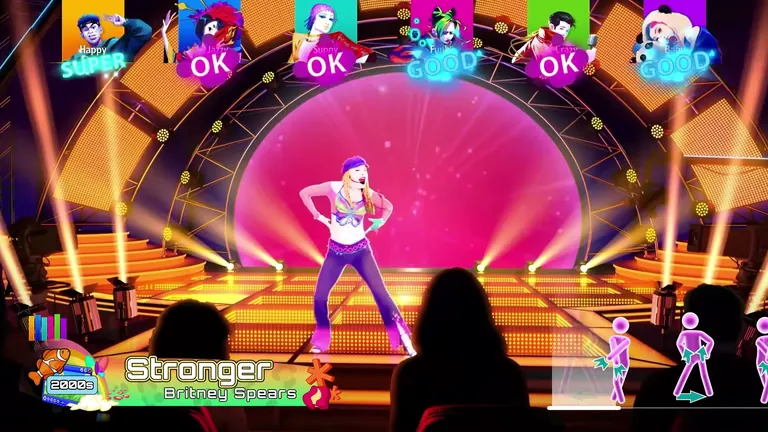
- The song list shows 35 tracks across six decades rather than a yearly numbered roster.
- Local play accepts up to six dancers, where earlier entries topped out lower.
- If you own the 2023–2026 editions as well, their songs appear in the same library — see the cross-edition library guide.
If you own an older edition and cannot see your old songs
That is a separate feature rather than a bug: the merged library expects the older editions to be installed and the songs to be available on the same console and account. Purchased Music Packs and active Just Dance+ content fold in under the same conditions. The cross-edition library guide explains what qualifies and what does not.
Buying the right thing
If you have not bought it yet, make sure you know which edition you are buying — Standard, Limited or Ultimate differ in cosmetics and Just Dance+ time, not in songs. The comparison table is on the editions and buying page.