What you need: accounts, internet and hardware
The account stack, the internet question, and the one piece of hardware everybody already owns.
Just Dance: Decades of Hits needs a console (Switch, PS5, Xbox Series X|S or Switch 2), one smartphone per dancer running the free Just Dance Controller app, and a Wi-Fi network both the console and the phones can see. A Ubisoft Account is required for progression and library features, and online multiplayer needs a paid platform subscription on Xbox and PS5.
This game is unusual in that its requirements are mostly not about the console. The hardware is whatever you already have; the constraints are the network and the account stack.
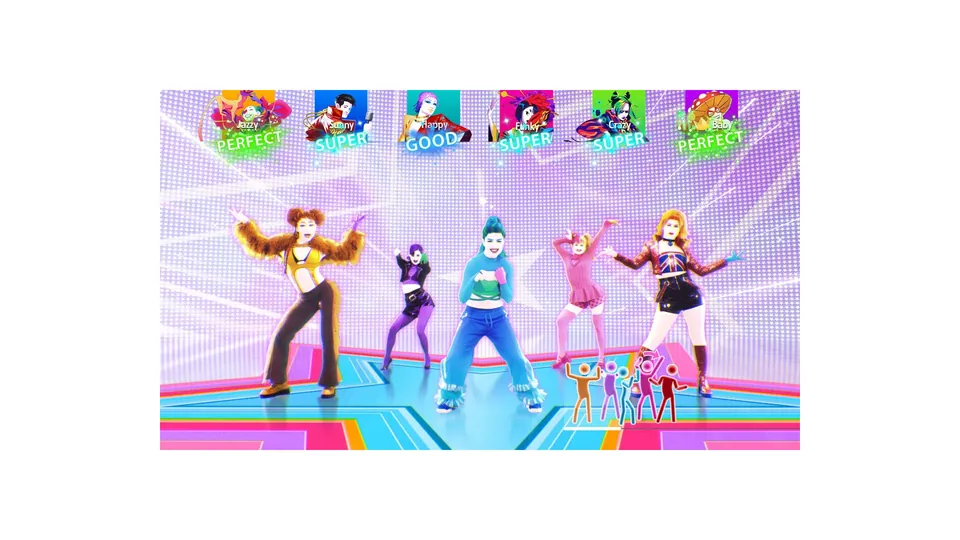
Official Ubisoft in-game screenshot.
The minimum to play
| Requirement | Detail | |
|---|---|---|
| Console | Nintendo Switch, PlayStation 5, Xbox Series X\ | S, or the Switch 2 edition from November 10, 2026 |
| One smartphone per dancer | Free Just Dance Controller app, iOS or Android | |
| Wi-Fi network | Routers that isolate wireless clients from each other will break pairing | |
| Display | Any television or monitor the console plugs into; game mode recommended | |
| Storage | Console storage as required by the install |
No camera, no dance mat, no console-specific peripheral. The phone is the input for every dancer on every platform.
The minimum for progression
A Ubisoft Account linked to your console account. Local dancing works without one, but Dancer Cards, levels, cosmetics and the merged library all expect the account to be attached. If a card matters to your household, sign in — local-only progress can be lost with a reinstall or a console migration.
The internet question
Three different things get called "online" in this product, and only the last one is optional:
- Setup and updates. A connection is needed for the initial install and for patches, including the free Switch 2 upgrade.
- Library merging. The cross-edition song merge needs a connection to sync.
- Online multiplayer and Just Dance+. These need a live connection and a subscription tier.
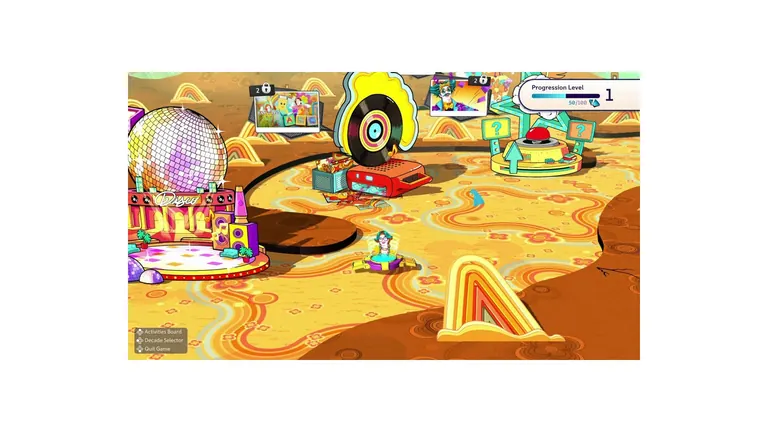
Everything else — all 35 tracks, all five alternates, the whole Adventure Mode campaign — runs with no connection at all. That is worth knowing before a party: if the internet dies mid-evening, the evening continues.
Subscriptions, by platform
| Platform | Online multiplayer | Local multiplayer | |
|---|---|---|---|
| Nintendo Switch / Switch 2 | Nintendo Account + Nintendo's online service (local features work on the free tier) | No subscription needed | |
| PlayStation 5 | PlayStation Network + PlayStation Plus | No subscription needed | |
| Xbox Series X\ | S | Microsoft account + Game Pass Core or Ultimate | No subscription needed |
Xbox players should also note that the game is cloud-playable with certain Game Pass tiers, which still requires owning the game rather than streaming it for free.
The router detail that ruins setups
Many home routers ship with a guest network that deliberately blocks wireless devices from communicating with each other. A phone on that network can browse the internet perfectly and will never see the console. If pairing fails on Wi-Fi that "works fine", that is the first thing to check, and it is the reason the phone controller guide puts network configuration ahead of app troubleshooting.
Space, light and the physical setup
The game reads your phone's motion, so what you need physically is roughly a square metre per dancer of clear floor, a phone propped up and visible rather than in a pocket, and enough room that two dancers standing side by side do not clip each other's tracking. For six dancers, that is a real living-room footprint — the multiplayer guide covers spacing and phone placement.