Online play: what works and what it needs
A short list of things that go online, and a long list of things that never do.
Online play in Just Dance: Decades of Hits requires a Ubisoft Account plus your console account, and on Xbox or PS5 a paid online subscription (Game Pass Core/Ultimate or PlayStation Plus). Local multiplayer, all 35 tracks and Adventure Mode need no connection at all.
Before deciding what to pay for, it helps to separate the three things people mean by "playing online" in a Just Dance game.
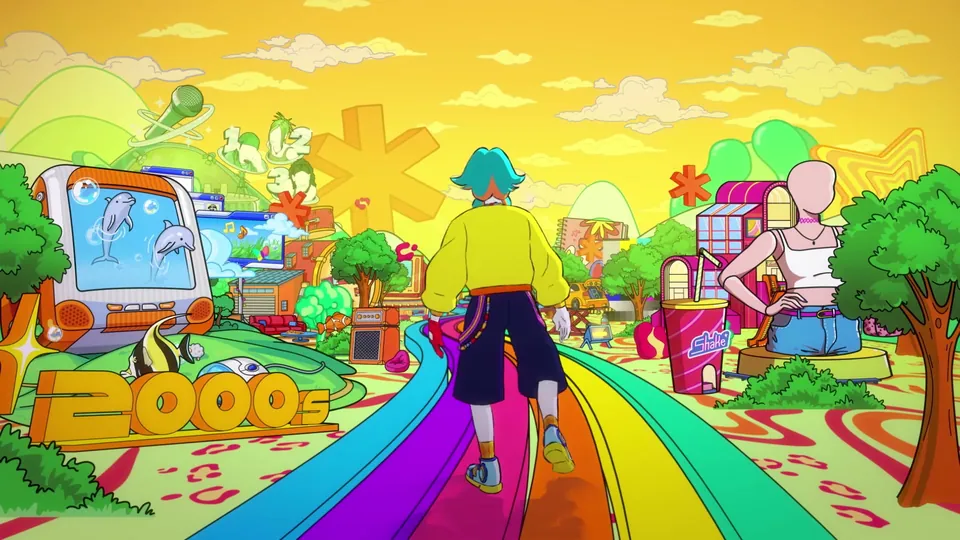
Official Ubisoft in-game screenshot.
The three separate things
1. Being online while you play locally. This is the least demanding case and the most common one. A connection lets the game sync your library, apply updates and keep the account features working. It does not change what you can dance to — all 35 tracks are on the console.
2. Online multiplayer with other people. This is what needs the subscription stack. On Xbox it requires Game Pass Core or Ultimate; on PS5 it requires PlayStation Plus; on Nintendo systems it needs a Nintendo Account and the platform's online service.
3. Streaming content. Just Dance+ songs are delivered over the internet rather than stored on the console, so they need a live connection every session. This is the case where a dropped connection is visible immediately and unpleasantly.
The account stack
| Layer | Why it is there |
|---|---|
| Ubisoft Account | Owns progression, Dancer Cards, cosmetics and the merged library |
| Console account | Nintendo Account / PlayStation Network / Microsoft account — the platform identity |
| Platform online subscription | Required for online multiplayer on Xbox and PS5 |
| Persistent internet | Required for streaming content and online sessions |
None of the bottom two are needed for local dancing. A household with six people, no subscriptions and a flaky connection can run the game's full content, including the campaign.
What benefits from a connection even if you play locally
- Library merging. If you own Just Dance 2023–2026 Editions, their songs fold into this game's list — the cross-edition library guide explains the conditions.
- Updates. Including the free Switch 2 upgrade on November 10, 2026.
- Progression sync. An account-attached Dancer Card has somewhere to live if the console data goes.
What never needs a connection
- All 35 shipped tracks and all 5 alternate routines.
- The complete Adventure Mode campaign, including the mini-activities.
- Local multiplayer for up to six dancers.
- Party Mode and Workout Mode.
That is essentially the whole game. If a party's Wi-Fi dies mid-evening, nothing you were planning to do is actually lost — which is worth telling the room before anyone starts troubleshooting.
Practical notes
Streamed songs fail loudly, owned songs fail silently. If a track you were playing last month is missing today, check the subscription before the console.
Updates can interrupt a session. Console auto-update mid-party is a real annoyance; schedule updates outside the evening.
Accounts drift apart over time. A seasonal household often ends up with the library owned by one profile and cards built on another. Decide which profile is the library owner once, and be consistent — it is the cause of most "my songs disappeared" reports. The install and unlock guide walks through the checks.